
Account Recovery Is Now Part of the Login System
A strong password or passkey can still be undermined by weak recovery. The reset path deserves the same attention as the front door.
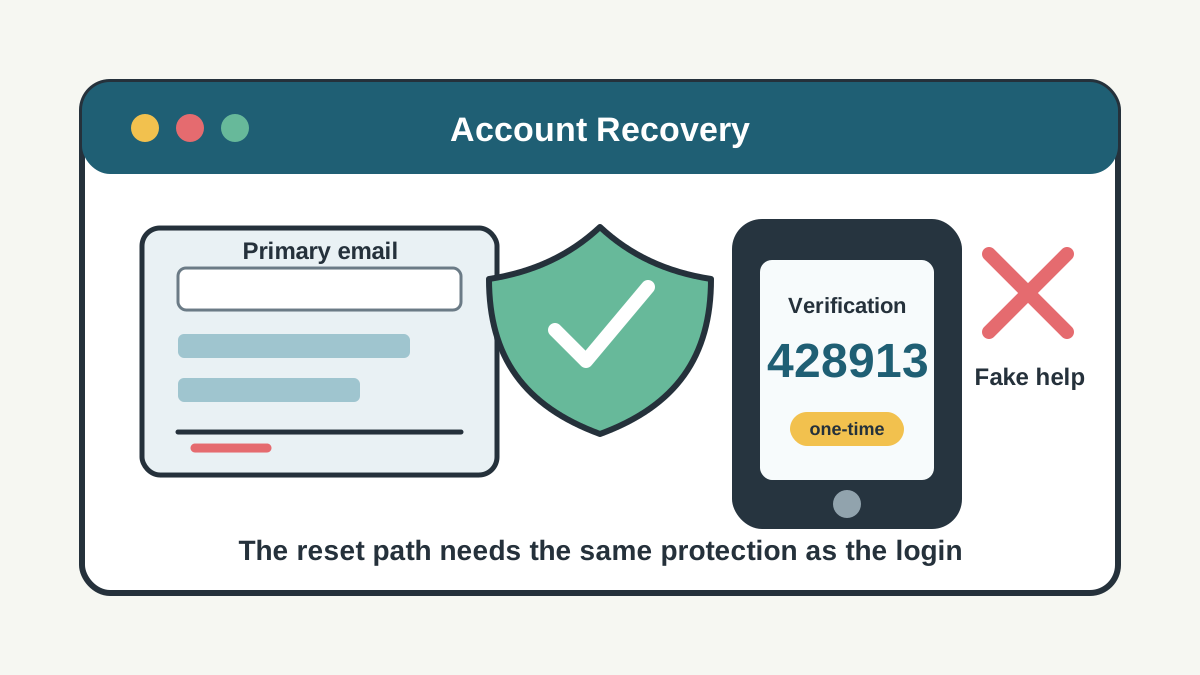
Most account-security advice starts at the login screen. Use a strong password. Turn on multi-factor authentication. Move to passkeys when an important account supports them. That advice is still right, but it leaves out the path many attackers actually want: account recovery.
Recovery is supposed to help the real user get back in after a lost phone, forgotten password, stolen laptop, changed number, or locked email account. It is also the place where a service may temporarily lower its guard. A login can require a password, device approval, passkey, or security key, while the reset path may depend on an email link, text code, support chat, saved identity data, or a help-desk exception.
That makes recovery part of the login system, not an afterthought. If the reset path is weaker than the sign-in path, the attacker does not need to beat the strongest control. They only need to find the door that still opens with less proof.
The Email Account Becomes the Master Key
For many people, the primary email account is the recovery address for banks, payment apps, social media, cloud storage, shopping accounts, government portals, work tools, and phone-carrier accounts. If that email account is taken over, the attacker may be able to request password resets elsewhere and intercept the links.
That is why securing email should come before tidying up less important accounts. CISA’s public guidance on multi-factor authentication tells users to turn on MFA from account settings because it adds a second check beyond the password. For a recovery email account, that second check protects more than one inbox. It protects every account that trusts the inbox.
The same logic applies to a phone number used for recovery. A number can receive one-time codes, account alerts, bank messages, and reset prompts. If a criminal tricks a carrier, steals a device, compromises a messaging account, or persuades the user to read out a code, the phone becomes a reset tool.
The Federal Trade Commission’s warning about verification-code scams is useful because it explains the human side of the attack: a code is for the person signing in, and someone asking for it is trying to get access. The danger is not only that one code is lost. It is that one code may open a recovery path.
Strong MFA Can Be Weakened by Weak Recovery
Multi-factor authentication raises the cost of account takeover, but it does not automatically fix every recovery process around it. A service still needs a way to help legitimate users who lose an authenticator. That process can be secure, or it can become the easiest way around the control.
NIST’s current Digital Identity Guidelines treat authenticator lifecycle management as a core part of authentication, including binding authenticators to accounts, replacing them, and handling loss or theft. The technical language matters because it frames recovery as a security event. Adding a new authenticator or removing an old one is not clerical housekeeping. It changes who can prove control of the account.
For consumers, the practical lesson is simple: do not assume MFA is fully protective until you understand how the account can be recovered. A banking app that requires a strong device approval may still send recovery to an old email address. A social account with an authenticator app may still trust a phone number the user no longer controls. A business system may have strong single sign-on but a support process that accepts rushed requests from an impersonated executive.
Good recovery should feel a little deliberate. It should notify existing contact methods when a recovery method changes. It should make old sessions and suspicious devices easy to review. It should let users remove phone numbers, backup emails, and devices they no longer control. It should avoid training users to approve unexpected prompts under pressure.
Scammers Attack the Confusion Around Recovery
Account recovery is stressful by design. The user may already be locked out, worried about money, afraid of losing photos, or trying to stop damage after a breach. Scammers exploit that urgency.
One common pattern is fake support. A person searches for help, finds an impostor number or sponsored result, and is told to share a code, install remote-access software, pay a fee, or move money to “verify” ownership. Another pattern starts with an unexpected message claiming that an account has been compromised. The victim is pushed to a fake reset page where the attacker collects credentials and codes.
The FTC points identity-theft victims to IdentityTheft.gov for recovery steps and reports. That official path matters because recovery scams often imitate real help. A victim trying to fix one compromise can be pulled into a second one if they trust the first person who claims to be a recovery specialist.
The CFPB’s fraud resources also stress that scams often use pressure, impersonation, and payment methods that are hard to reverse. That is relevant to account recovery because a fake helper may not stop at stealing access. They may also ask for a payment, a transfer, a gift card, cryptocurrency, or financial details while the victim is distracted by the lockout.
Businesses Need Recovery Controls, Not Just Login Controls
For companies, account recovery deserves the same risk review as password policy, passkeys, and MFA. The weakest recovery process may belong to a vendor portal, payroll system, domain registrar, cloud administrator, shared mailbox, advertising account, or payment platform. If that account can move money, change bank details, reach customers, reset other accounts, or publish public messages, recovery is a high-risk workflow.
The control set is usually practical rather than exotic. Require stronger proof before adding a new recovery method. Send alerts to old and new contact points. Keep a short delay before high-risk changes take full effect when possible. Use separate approval for privileged accounts. Train support teams to slow down urgent requests, especially when the requester wants MFA disabled, a phone number changed, or a new device trusted.
Businesses should also keep recovery records. When an account is taken over, the question is often not only “who logged in?” but “who changed the recovery email, added the device, removed MFA, or convinced support to reset access?” Logging those events can make the difference between guessing and responding.
The Better Habit Is to Inventory the Reset Path
People do not need to audit every account in one sitting. Start with the accounts that can reset or damage the rest: primary email, phone carrier, password manager, banking, payment apps, cloud storage, government accounts, work accounts, social media, and domain names.
For each one, check the recovery email, phone number, trusted devices, backup codes, connected apps, active sessions, and MFA settings. Remove old numbers and addresses. Store backup codes somewhere safer than the inbox they protect. Add a second trusted method for accounts where lockout would be expensive, but do not leave obsolete methods in place just because they are familiar.
The same pause should apply when a recovery message arrives unexpectedly. Do not click the link first. Open the official app or type the known website address directly. Do not share one-time codes with callers, support chats, marketplace contacts, friends whose accounts may be compromised, or anyone claiming they need the code to stop fraud.
Security is often described as keeping attackers out. Recovery is about deciding who gets back in. In modern account security, those are the same problem.