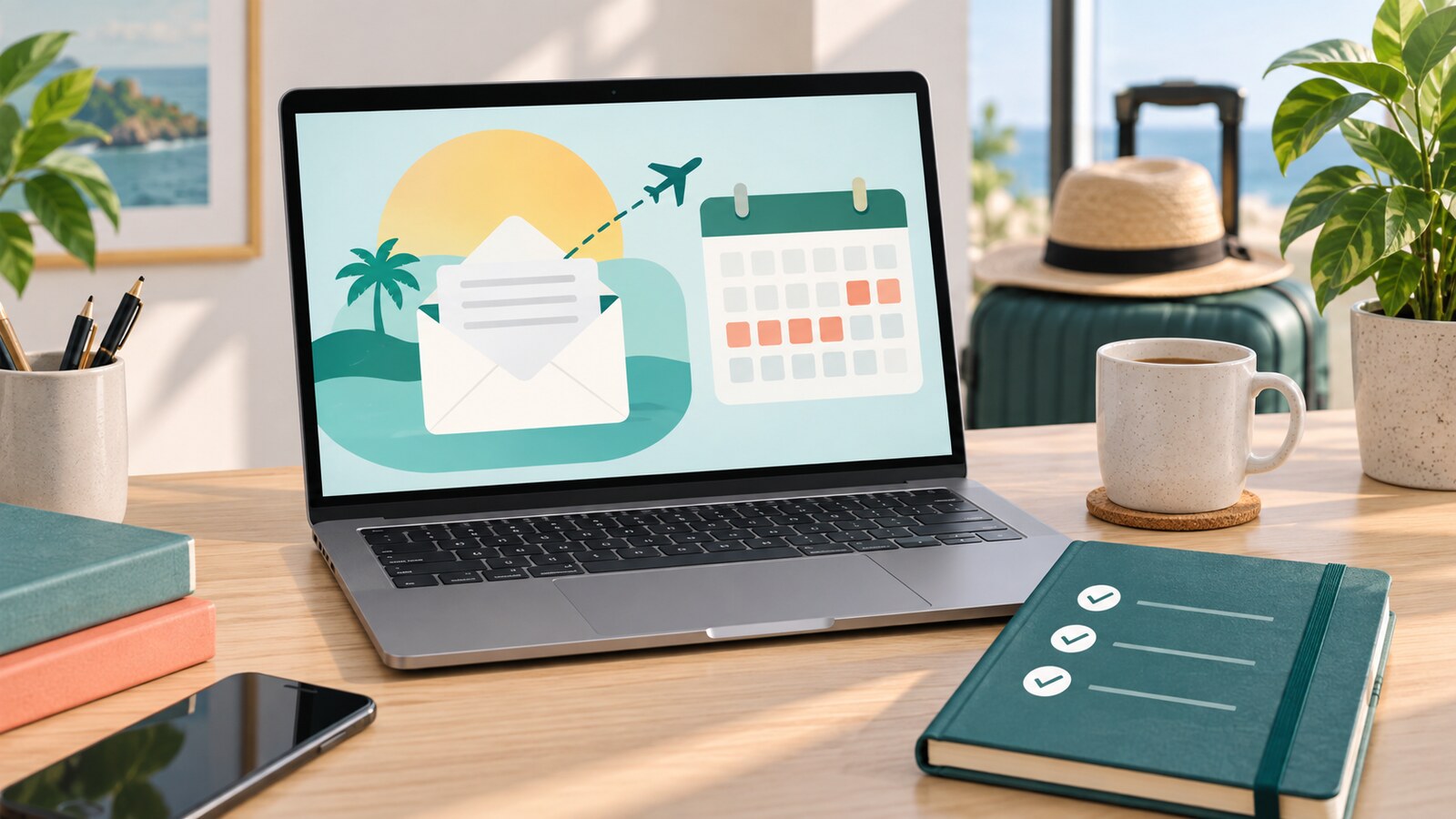
An out-of-office reply is a small message with a surprisingly big job. It has to reassure the sender that their email arrived, explain when you are unlikely to respond, point urgent work to the right person, and avoid sharing details that do not belong in an automatic message.
The mistake is treating it like a formality. “I am away and will reply when I return” may be polite, but it does not help the person who needs a decision, invoice detail, interview update, project file, shipment answer, or customer support route today.
A useful out-of-office reply is short, specific, and action-oriented. It tells people what happens next.
Quick Answer
Write an out-of-office reply with four parts: the dates you are away, when you expect to respond, who to contact for urgent or specific matters, and a brief boundary about what will not be handled while you are away. Use a warmer internal version if your email system supports separate messages for colleagues, and a more cautious external version for customers, vendors, applicants, or the public. Do not include private travel details, personal medical information, unnecessary phone numbers, or promises someone else has not agreed to cover.
Start With the Sender’s Problem
Before writing the message, ask what someone emailing you is likely trying to do.
They may need a quick approval, a document, a payment update, a meeting change, a status check, a customer escalation, or a personal response that can wait. Those are different needs. A good out-of-office reply does not need to solve all of them, but it should separate what is urgent from what is simply waiting in your inbox.
For most professional inboxes, the sender needs three pieces of information:
- Are you unavailable or just slower than usual?
- When should they expect a reply from you?
- What should they do if the matter cannot wait?
That is the whole architecture. Everything else is polish.
Use Dates, Not Vague Time
“I am away this week” may be clear to you, but automatic replies can be read across time zones, forwarded later, or seen after the week has already changed.
Use dates instead:
I am away from Monday, September 28, through Friday, October 2, and will respond after I return on Monday, October 5.
That sentence gives the sender a real planning point. If you work across regions, include the day of the week and avoid assuming that everyone shares your office calendar. For a partial-day absence, be precise without overexplaining:
I am offline today from 12:00 to 16:00 EAT and will respond after I am back online.
If you may need a catch-up day after returning, say so gently. “I will begin responding after I return” is more honest than promising every email will be answered immediately at 9:00 a.m.
Give One Clear Urgent Route
The most useful line in many out-of-office replies is the handoff.
Weak handoff:
For urgent matters, contact the team.
Better handoff:
For customer support issues, contact support@example.com. For active project approvals, contact Priya Shah at priya@example.com.
The second version tells the sender where to go and what that person or inbox can handle. If different topics have different backups, keep the list short. Two routes are usually enough. A long directory inside an automatic reply creates its own confusion.
Always confirm the handoff before naming someone. Do not list a colleague as the emergency contact unless they know what may come to them, what they can decide, and where the relevant files live. That small courtesy prevents your absence message from becoming someone else’s surprise workload.
If there is no true urgent route, be honest:
I will not be monitoring this inbox while I am away. If your message is urgent, please contact the main office at office@example.com.
That is better than inventing availability you cannot provide.
Separate Internal and External Messages When You Can
Many workplace email tools allow different automatic replies for people inside and outside the organization. Use that option when available.
An internal message can include more operational detail: backup owners, project channels, document locations, meeting expectations, and whether you are reachable in a genuine emergency. An external message should be leaner. It can name a general team inbox, support address, account contact, or public phone line, but it should avoid internal process details.
Internal version:
I am away from September 28 to October 2 and will begin responding on October 5. For the Q4 launch checklist, please use the project board and tag Daniel for approval questions. For client escalations, contact the account lead listed in the handoff document.
External version:
Thank you for your message. I am away from September 28 to October 2 and will begin responding after October 5. For urgent customer support, please contact support@example.com.
Both are professional. They simply serve different audiences.
Protect Your Privacy and Security
An out-of-office reply may go to customers, vendors, mailing lists, newsletters, spam senders, old contacts, and strangers. Treat it as public enough to be cautious.
Avoid details such as your home being empty, exact travel location, personal medical situation, family emergency, hotel name, private phone number, or personal email address. You also do not need to explain why you are away unless your role or relationship makes that useful.
“I am away” is enough. “I am on medical leave with limited access while traveling with my family” is usually too much.
Be especially careful with external replies. If your tool lets you send automatic replies only to contacts or only within your organization, consider that setting for personal accounts or sensitive roles. If you receive high volumes of public email, a broad automatic reply can expose more than you intend.
Match the Message to the Type of Absence
Not every away message needs the same tone.
For annual leave, be warm and clear:
Thank you for your message. I am away from September 28 through October 2 and will begin responding after I return on October 5.
For a conference or work trip, set a slower-response expectation:
I am attending meetings this week and may be slower to respond than usual. For urgent scheduling changes, please contact calendar@example.com.
For a short focus block, keep it simple:
I am offline for focused work until 15:00 EAT and will reply after that where needed.
For a role change or departure, avoid promising continued access:
I am no longer monitoring this inbox. For future messages, please contact team@example.com.
The point is not to sound elaborate. The point is to make the next step obvious.
Include Calendar and Chat Status Too
Email is only one place people check your availability. If your workplace uses shared calendars or chat tools, update those as well.
A calendar out-of-office block helps coworkers avoid booking meetings while you are away. In some systems, it can also decline conflicting meeting invitations or show your away status to people who have permission to see your calendar. Chat tools may show an out-of-office status or display your message when teammates contact you.
This matters because a polished email auto-reply will not help much if your calendar still looks open, your chat status looks available, and recurring meetings keep pulling people into confusion.
Before a longer absence, check three places:
- Email automatic reply
- Calendar availability
- Team chat or status message
If your tools sync those settings, still verify the final result. Syncing is helpful, but it can also copy a typo, old date, or incomplete message across more places than you expected.
Make the Handoff Real Before the Reply Goes Live
The message is only the visible part of being away. The quiet work happens before it.
If someone else is covering urgent decisions, give them the context they need. Share active deadlines, customer names, project links, expected questions, access limits, and what they should defer until you return. If you use shared drives, project boards, or team inboxes, make sure the files are findable and permissioned correctly.
This is where your out-of-office reply connects with broader work habits. A cleaner inbox helps, but so do clear notes, named files, and fewer unnecessary alerts. GDU’s guide to reducing notification overload can help you decide what should interrupt you, while naming files so future you can find them is useful when colleagues may need documents while you are away.
For career moments, the same principle applies. If you are away during hiring activity, make sure interviews, references, and follow-up messages are covered. A good video interview setup or job reference plan is much easier to manage when your availability is clear.
A Simple Template You Can Adapt
Use this as a starting point, then make it fit your role:
Thank you for your message. I am away from [start date] through [end date] and will begin responding after [return date]. I will not be monitoring this inbox regularly while I am away. For urgent matters about [topic], please contact [name/team] at [email]. For all other messages, I will reply when I am back.
For a shorter version:
Thanks for your message. I am away until [date] and will respond after I return. For urgent support, please contact [team/email].
For an internal version:
I am away from [dates]. For [project], please use [channel/board] and contact [person] for decisions that cannot wait. For anything non-urgent, I will respond when I return.
Templates are useful, but do not let them turn into autopilot. Update the dates, check the named contacts, and remove any line that does not apply this time.
What to Leave Out
An out-of-office reply should not become a memoir, disclaimer, or maze.
Leave out exact personal travel plans, sensitive health details, jokes that may not translate across cultures, complaints about workload, long lists of backup contacts, confidential project names, and promises such as “I will reply immediately when I return.”
Also avoid making the sender do extra work if the route is obvious. If support requests should go to a support inbox, say that directly. If invoices should go to finance, name the finance inbox. If nothing will be handled until you return, say that politely.
The best away messages are calm, clear, and a little boring. That is a compliment.
Check It Before You Log Off
Before your out-of-office reply activates, send yourself a test if your system allows it, or at least reread the final message in the settings screen.
Check:
- Are the dates correct?
- Is the return expectation realistic?
- Does the urgent contact know they are listed?
- Is the external message safe for strangers?
- Does your calendar show you as unavailable?
- Have you removed old names, old projects, and old phone numbers?
A two-minute review can prevent a week of awkward replies.
Bottom Line
An out-of-office reply is not just a courtesy. It is a small piece of work design.
When it names your absence, sets a realistic reply window, routes urgent matters, protects private details, and matches your calendar status, it reduces confusion for everyone around you. The message does not need to be clever. It needs to help the sender decide what to do next.