A video interview is still an interview. The employer is listening for the same things they would notice in person: whether you understand the role, whether your examples are clear, whether you communicate well, and whether you seem prepared.
The difference is that the room, device, internet connection, camera angle, microphone, notifications, lighting, and platform settings now become part of the first impression. A strong answer can lose some force if the interviewer cannot hear it clearly. A calm candidate can look distracted if the screen is full of pop-ups. A good resume point can be harder to explain if you are searching through notes during the question.
You do not need a studio setup. You need a reliable, quiet, simple setup that lets the conversation feel as normal as possible.
Quick Answer
Prepare for a video interview by testing the platform, camera, microphone, speakers, internet connection, lighting, background, and backup contact method before the interview day. Use a quiet space, place the camera near eye level, close unnecessary apps, keep notes short, practice answering aloud, prepare examples for the role, and send a focused follow-up afterward.
Start With the Interview Details
Before adjusting your desk, confirm the basics.
Check the date, time, time zone, platform, meeting link, interviewer names, role title, and any instructions from the recruiter. Video interviews can be live conversations, panel interviews, technical exercises, presentations, or one-way recorded interviews where you answer prompts within a time limit.
That format matters. A live interview requires conversation flow. A recorded interview requires you to manage timing without feedback from another person. A practical task may require screen sharing. A panel interview may require you to speak to several people whose names and roles you should recognize.
Make a small interview note with:
- Interview time and time zone
- Meeting link or platform name
- Recruiter or interviewer contact details
- Role title and employer name
- Backup phone number or email if the call fails
- Any documents, portfolio links, or tasks requested
If the employer has sent guidance notes, follow them carefully. Career services and public employment advisers consistently emphasize the same foundation: prepare for the role first, then prepare the technology so it does not get in the way.
Test the Platform Before Interview Day
Do not let the first login be five minutes before the call.
Install or update the platform if needed. Open the meeting link if the system allows a test screen. Check your display name and profile photo. Learn how to mute and unmute, turn the camera on and off, share your screen, leave the meeting, and rejoin if disconnected.
Then test the hardware:
- Camera
- Microphone
- Speakers or headphones
- Charger
- Internet connection
- Browser permissions
- Screen-sharing permissions, if needed
If you use a laptop, plug it in. If you use a phone or tablet because that is your best option, charge it fully, keep it stable, and avoid holding it in your hand. A moving camera is distracting and tiring for both sides.
Close unrelated tabs and applications before the call. Turn off notifications on your computer and phone. If you need your phone nearby as a backup, silence it and place it where it will not vibrate against the desk.
Choose a Quiet, Simple Background
The best background is not impressive. It is calm.
Use a space where you are unlikely to be interrupted. Tell housemates, family, or colleagues the interview time. If you share a home, a closed door and a brief reminder can prevent a small distraction from becoming a stressful moment.
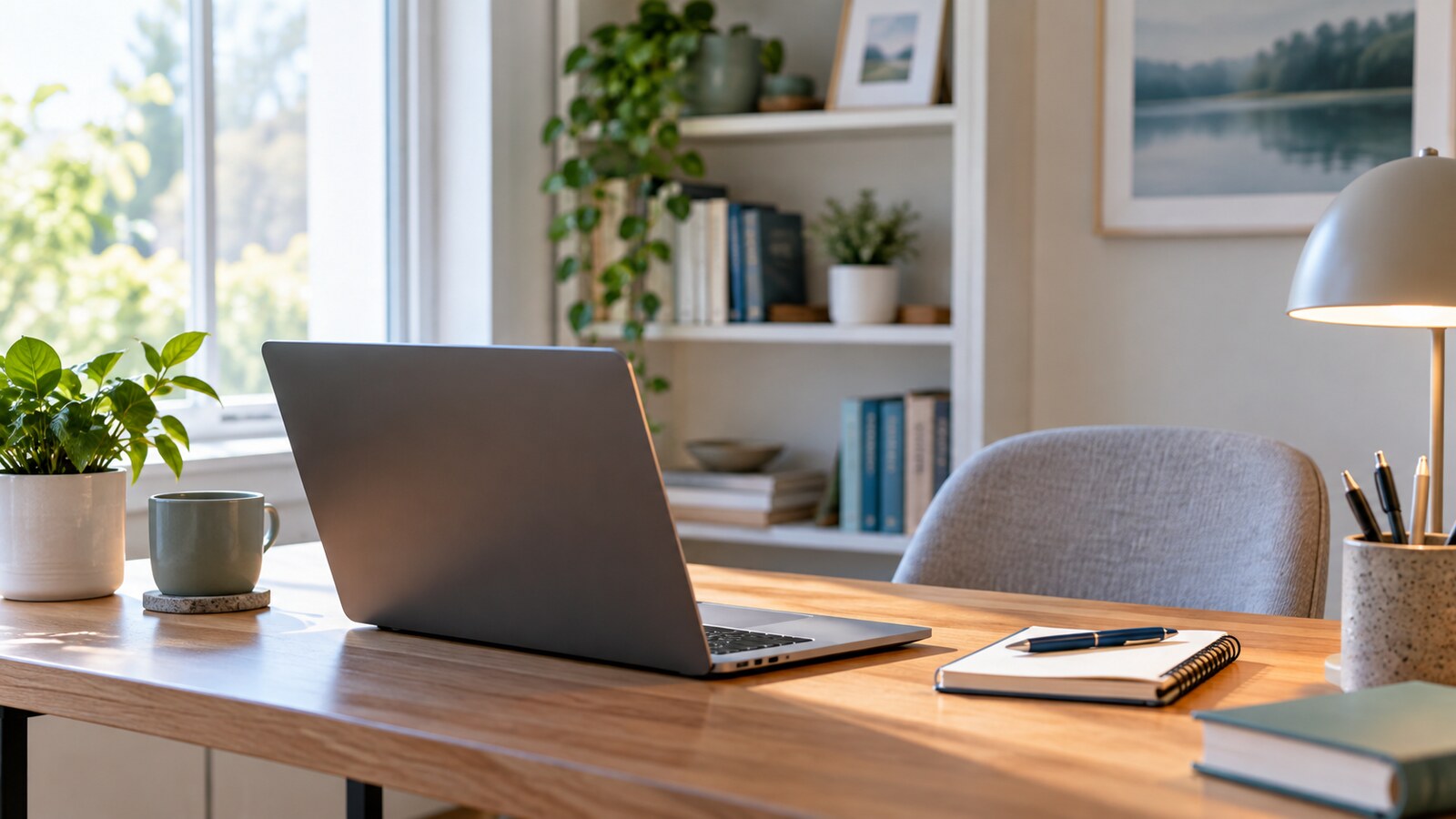
Look at what the camera sees, not only what the room looks like from where you sit. Remove anything that is private, messy, noisy, reflective, or visually distracting. A plain wall, tidy bookshelf, neutral curtain, or simple corner is enough.
Virtual backgrounds can help when the real room is not ideal, but test them first. Some blur tools create strange edges around hair, glasses, or hands. A professional virtual background is better than a distracting room; a clean real background is usually better than a glitchy effect.
Put Light in Front of You
Lighting changes how clearly you appear on camera.
Place the main light in front of you, near or behind the camera. A window, desk lamp, or ring light can work if it lights your face evenly. Avoid sitting with a bright window behind you, because the camera may expose for the window and leave your face dark.
Check for glare if you wear glasses. Move the lamp slightly higher, lower, or to the side until reflections are less obvious. If the room changes through the day, test around the same time as the interview when possible.
You are not trying to look polished for its own sake. You are helping the interviewer read your facial expressions, see that you are engaged, and focus on your answers.
Frame the Camera Like a Conversation
Set the camera close to eye level. If the laptop sits too low, raise it on a stable stack of books or a stand. Sit far enough back that your head and shoulders are visible, with a little space above your head.
During the interview, it is normal to glance at the screen because that is where the interviewer appears. When answering key points, look toward the camera for a few seconds at a time. This creates the closest version of eye contact in a video call.
Try a short recording before the interview. Speak for one minute about your background, then watch it back with practical questions:
- Can you hear every word?
- Is your face visible without harsh shadows?
- Is the background calm?
- Are you too close or too far from the camera?
- Do your notes pull your eyes away too often?
This quick playback is awkward for almost everyone. That is fine. Its job is to find fixable problems before the real call.
Keep Notes Useful, Not Controlling
Notes can help, but they can also make you sound like you are reading.
Keep them short. Use prompts, not scripts. A good note might say:
customer complaint - solved billing issue - result
That cue reminds you of the story without forcing you to read a paragraph. Put your most important prompts near the camera if you need them, or keep one page beside you with large headings.
Prepare examples that match the job description. For many roles, you will need stories about problem-solving, teamwork, learning quickly, dealing with pressure, handling mistakes, communicating with customers, leading a task, or adapting to change. The STAR structure can help: situation, task, action, result.
If your resume needs a refresh before the interview, GDU’s guide to making a resume easier for ATS and recruiters to read can help you tighten the same evidence you may want to discuss aloud.
Practice the First Two Minutes
You do not need to memorize the whole interview. Start by practicing the opening.
Most video interviews begin with some version of:
- Tell me about yourself.
- Walk me through your experience.
- Why are you interested in this role?
- What do you know about our organization?
Practice a short answer that connects your background to the role. Keep it conversational. The goal is not to recite your life story. The goal is to help the interviewer understand why this conversation makes sense.
Also practice ending answers cleanly. Many candidates keep talking because silence on a video call feels uncomfortable. A simple closing sentence helps:
That is the example I would use because it shows how I handle a time-sensitive customer issue.
Then pause.
Prepare for Recorded Interviews Differently
One-way video interviews can feel unnatural because no one reacts while you speak. Treat them as structured speaking tasks.
Read the instructions before recording. Check whether you can pause, re-record, skip questions, or review answers. Note the time limit. Practice answers within that limit so you do not spend the first half setting up the story and the last few seconds rushing the result.
When answering, imagine one person listening. Look toward the camera, speak clearly, and use a simple structure:
- Direct answer
- Brief example
- Result or lesson
Complete the recorded interview well before the deadline. Technical problems are easier to solve when you have time.
Have a Backup Plan
Even a careful setup can fail. Internet drops. Audio glitches. Software updates appear at the worst moment.
Have a backup plan ready:
- Recruiter phone number or email
- Phone charged and nearby
- Headphones or earbuds available
- Mobile data option if your internet fails
- Meeting link saved somewhere easy to reopen
- Resume and job description available offline
If something goes wrong during a live interview, say so calmly. A short explanation is better than pretending the call is fine when you cannot hear the question. If needed, ask to reconnect or switch to phone.
How you recover from a technical issue can also show professionalism. Stay calm, explain the problem, and return to the conversation.
Do a 30-Minute Pre-Call Check
About 30 minutes before the interview, run through the setup again.
Open the platform. Plug in your device. Check the camera view. Confirm the microphone. Close extra apps. Put water nearby. Place your notes where you can glance at them without turning away from the camera. Keep your resume, portfolio, job description, and questions available.
Then stop adjusting.
Use the final few minutes to breathe, review your strongest examples, and remind yourself what the employer needs. The setup should support the interview, not consume all your attention.
After the Call, Capture the Details
When the interview ends, make sure the meeting is fully closed before reacting, reviewing notes aloud, or calling someone else. Then write down details while they are fresh:
- Interviewer names
- Main questions asked
- Examples you used
- Concerns to clarify later
- Next steps or timeline
- One specific thing to mention in a thank-you message
Send a brief follow-up if appropriate in your market and industry. Thank the interviewer, mention something specific from the conversation, and restate your interest in the role. If the process may include references, prepare early; GDU’s guide to preparing job references explains how to ask permission and brief people before an employer contacts them.
The Real Goal Is Less Friction
A good video interview setup does not guarantee an offer. It gives your preparation a fair chance to be heard.
When the link works, the sound is clear, the background is calm, and your notes are simple, you have fewer things competing for your attention. That leaves more energy for the real interview: listening carefully, answering directly, showing relevant examples, and deciding whether the role is right for you too.