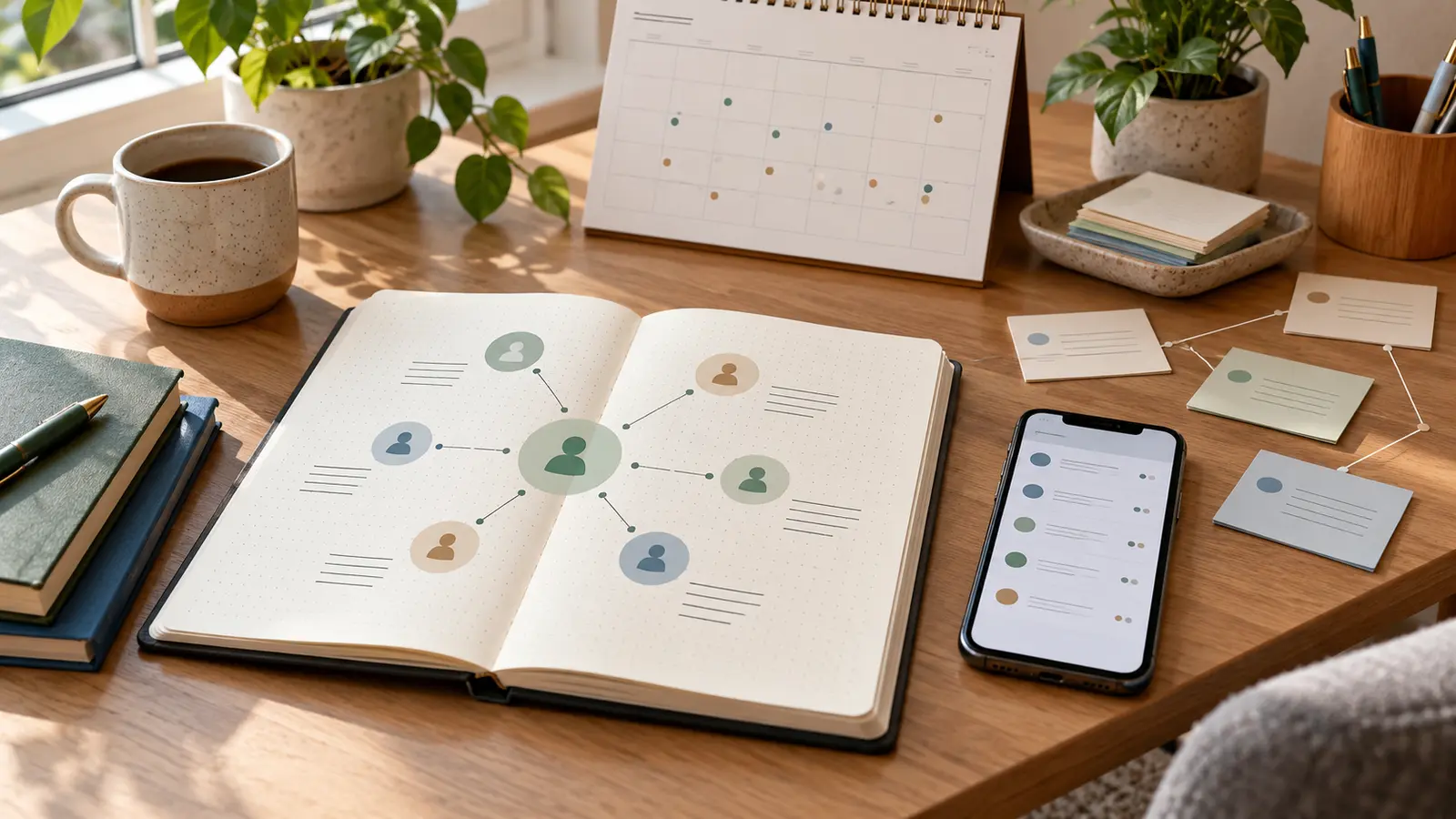
A personal CRM is a private system for remembering who matters, when to check in, and what context would make the next message thoughtful. It can be a spreadsheet, notes app, calendar, contacts app, task manager, or dedicated relationship tool.
The awkward version treats people like prospects. The useful version does the opposite. It helps you remember a friend’s new job, a former colleague’s preferred name, a mentor’s advice, a cousin’s exam date, or the person you promised to introduce after a conference.
The goal is not to optimize everyone around you. It is to reduce forgetfulness, avoid performative networking, and make genuine contact easier when life is busy.
Decide What the System Is For
Start with a plain purpose. A personal CRM can support friendships, family, professional relationships, community work, job searching, mentoring, volunteering, or a mix of those. But one system should not make every relationship feel identical.
Write down the situations where you currently drop the ball:
- You remember birthdays too late.
- You promise to send a link, book, referral, or introduction and forget.
- You meet someone useful but lose the context after the event.
- You want to check on friends during big life changes but rely on memory.
- You need to follow up with references, mentors, former managers, or collaborators respectfully.
This is also where you set boundaries. A personal CRM should help with care, reciprocity, and reliability. It should not become a hidden dossier, a sales funnel for friendships, or a tool for pressuring people who have not invited more contact.
Choose a Tool You Will Actually Use
The best personal CRM is the one you can maintain lightly. If you already use a calendar and contacts app, begin there. Add a small notes field, a recurring reminder, or a private tag. If you like spreadsheets, create a simple table. If you live in a task manager, set follow-up tasks with dates.
Useful fields include:
- Name and preferred contact method.
- Where you know the person from.
- Last meaningful contact.
- Next useful follow-up.
- Important dates they have shared.
- Promises you made.
- Topics to avoid or handle carefully.
- Permission-based notes, such as “happy to be contacted about design jobs” or “prefers email.”
Keep the structure small. A system with twenty fields will feel impressive for one evening and exhausting after that. Five or six fields you update consistently are better than a complex database you abandon.
Sort People by Relationship, Not Value
Avoid ranking people by how useful they are. That mindset makes the system creepy quickly. Instead, sort by relationship context and communication rhythm.
A simple structure might include:
- Close family and friends.
- Friends you want to see more often.
- Former colleagues and classmates.
- Mentors, references, and people who have helped you.
- People you have offered to help.
- Community, volunteer, or professional contacts.
Then choose a realistic rhythm. Close friends may not need reminders at all. A former colleague might need only a thoughtful message twice a year. A mentor may deserve a short update after you used their advice. A professional contact may only need follow-up when there is a real reason.
Relationship maintenance is not equal-frequency broadcasting. Some people appreciate regular contact. Others prefer space. Your system should respect both.
Record Context, Not Private Surveillance
Good notes are brief, kind, and useful. Bad notes are invasive.
Appropriate notes might include:
- “Started new role in March; ask how onboarding is going.”
- “Loves practical book recommendations; avoid long voice notes.”
- “Introduced me to Sam; send thanks after project meeting.”
- “Mentioned caring for parent; be gentle with scheduling.”
Avoid storing sensitive details that people did not clearly share for ongoing use. Do not record gossip, health details, political assumptions, family conflict, financial information, private messages copied out of context, or anything that would feel embarrassing if the person saw it.
Privacy guidance for businesses is useful even for personal systems: collect only what you need, restrict access, keep it secure, and delete information that no longer has a clear purpose. The same principle applies to a private relationship tracker. If a note would not help you be more respectful, you probably do not need it.
Set Follow-Up Reminders With a Reason
A reminder should answer: why am I contacting this person now?
Good reasons include:
- You promised to send something.
- They asked for an introduction.
- They shared a milestone you want to acknowledge.
- You are visiting their city and would genuinely like to meet.
- You saw an opportunity, article, job, event, or resource that fits them.
- You want to thank them for advice after a result.
Weak reasons include “networking quota,” “has not replied,” or “might be useful someday.” If the reason feels thin, wait until you have something warmer and more specific.
Research published by the American Psychological Association has found that people often underestimate how much someone may appreciate an unexpected friendly reach-out. That does not mean every message is welcome, but it is a helpful nudge: a sincere, low-pressure note can matter more than you think.
Write Messages That Do Not Create Obligation
The tone matters more than the tool. A personal CRM should help you send better human messages, not automated-feeling pings.
Use a simple pattern:
- Name the real reason for reaching out.
- Add one specific memory, update, or useful item.
- Make the ask small or remove the ask entirely.
- Leave room for no reply.
For example: “I saw the fellowship you mentioned is open again and thought of you. No need to reply, but I wanted to send it while it was fresh.”
Or: “You gave me helpful advice before my interview last month. I got the role, and I wanted to say thank you. Your point about asking better questions really helped.”
The second message does not need a meeting, favor, or next step. Sometimes the best follow-up is simply gratitude.
Use the System for Promises First
Before you schedule distant networking check-ins, use the system to keep promises. That is where it earns trust.
Track introductions you said you would make, files you offered to send, dates you agreed to confirm, references you need to brief, and thank-you notes you owe. If you are preparing job references, GDU’s guide to preparing job references explains why permission, context, and follow-up matter.
A personal CRM can also help you protect boundaries. If someone repeatedly asks for unpaid work, last-minute favors, or emotionally heavy support you cannot provide, your notes can remind you to respond with care but limits. GDU’s guide to setting work boundaries may help if professional relationships often blur into constant availability.
Review It Once a Week
A personal CRM should not demand daily maintenance. Set a weekly review of 10 to 20 minutes.
During the review:
- Clear overdue promises.
- Check upcoming birthdays, milestones, and events.
- Choose one or two genuine reach-outs.
- Delete stale or unnecessary notes.
- Update people who have changed roles, cities, names, or preferences.
- Remove contacts you no longer need to track.
This rhythm keeps the system alive without turning relationships into admin. It also prevents notification overload. If reminders start to feel noisy, reduce them. GDU’s guide to email rules and inbox organization can help if relationship follow-ups are getting buried in messages.
Know When Not to Use It
Some relationships do not belong in a tracker. Do not use a personal CRM to monitor romantic interest, pressure someone who has gone quiet, manage conflict without conversation, or keep score of favors. If someone asks you not to contact them, the respectful action is to stop, not to move them into a different reminder category.
Also be careful with shared devices and workplace accounts. A personal relationship system should live in a private account you control, protected with a strong password and multi-factor authentication where available. Do not store personal contacts in an employer’s CRM unless there is a legitimate work reason and the person understands that context.
Practical Takeaway
A personal CRM is not about making relationships efficient. It is about making care easier to act on.
Start small: one trusted tool, a few respectful fields, reminders tied to real reasons, and a weekly review. Keep promises first. Write messages that do not demand a reply. Delete notes that no longer serve a kind purpose.
The best version is almost invisible. People should not feel managed. They should simply experience you as someone who remembers, follows through, and reaches out with a little more thought.