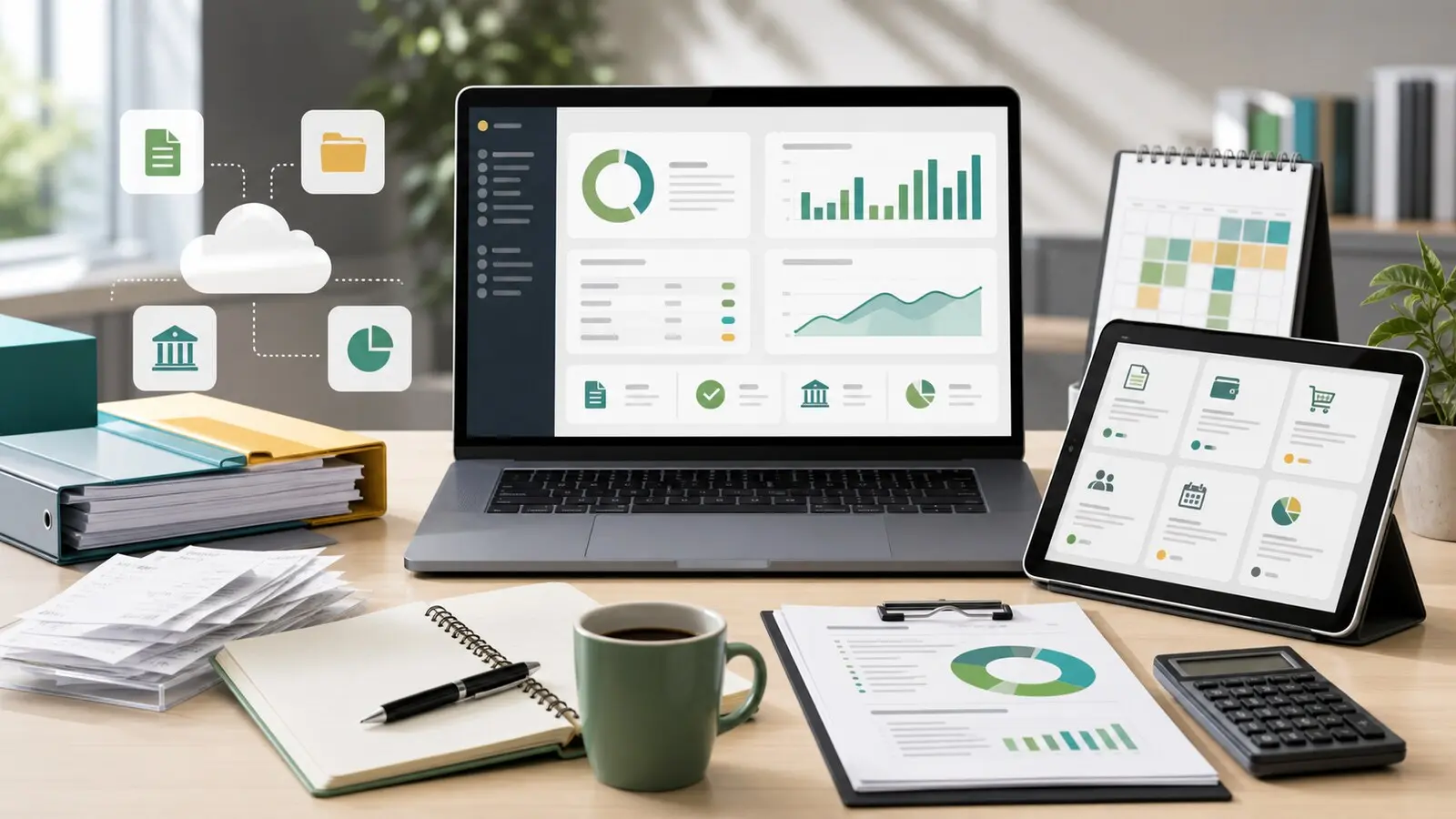
Small business accounting software is no longer just a digital ledger. For many companies it sits between the bank account, payment processor, payroll system, invoices, tax records, inventory, accountant, and management reports. A poor choice can create duplicate data entry, weak cash visibility, messy tax files, and painful migration work.
The best product is not always the one with the longest feature list. A freelancer, retail shop, ecommerce seller, professional-services firm, nonprofit, construction contractor, and growing employer may all need different accounting workflows. The right comparison starts with the records the business must keep and the decisions the owner needs to make every week.
Quick Answer
Compare small business accounting software by checking whether it supports your accounting method, bank reconciliation, invoices, bills, receipts, expenses, sales tax or VAT, payroll connections, inventory, user permissions, accountant access, reporting, data export, security, support, and migration from your current system.
Do not choose only by the monthly subscription price. A low-cost plan can become expensive if it limits invoices, users, bank feeds, receipt capture, project tracking, inventory, multi-currency work, payroll integration, support, or data history.
Start With The Records You Must Keep
Accounting software should help the business prove what happened. The Internal Revenue Service says business records support income, expenses, tax returns, financial statements, and the progress of the business. It also says a recordkeeping system should clearly show income and expenses, and that electronic accounting records must meet the same basic principles as paper records.
That makes recordkeeping the first comparison test. List the income, purchases, bills, receipts, bank deposits, card payments, payroll records, assets, loans, owner contributions, refunds, chargebacks, and taxes the business must track. Then ask whether each software option can store or link the supporting documents in a way that an owner, bookkeeper, accountant, lender, insurer, or tax authority can understand later.
The UK government’s self-employed record guidance also highlights a key decision: cash basis or traditional accounting. Australia business guidance similarly explains that accrual accounting records sales and expenses when they happen, not only when money changes hands. Before buying software, confirm whether the product handles the method your business uses and whether it can switch cleanly if your accountant recommends a change.
Map Your Current Money Flow
A business should compare accounting software against its real money flow, not against a generic demo file. Start with where money enters: card processor, bank transfers, cash, marketplaces, invoices, subscriptions, online checkout, grants, donations, retainers, or recurring contracts.
Then map where money leaves: suppliers, payroll, taxes, contractors, subscriptions, rent, loan payments, owner draws, inventory, professional fees, refunds, and insurance. The software should make those flows easier to classify and reconcile, not harder.
If the business is also changing banks or processors, review those choices together. GDU’s guides to comparing small business bank accounts and small business payment processors explain why settlement timing, exports, permissions, and transaction detail affect daily bookkeeping.
Compare Bank Feeds And Reconciliation
Bank reconciliation is one of the highest-value accounting software features. Good bank feeds import transactions reliably, match deposits to invoices, match card payouts to processor reports, identify fees, separate refunds, and help the business spot missing or duplicated entries.
Compare how each product connects to your bank, how often feeds refresh, which countries and account types are supported, and what happens when a feed breaks. Also ask whether the software can import statement files if a direct feed is unavailable or unreliable.
The IRS notes that for many small businesses, the business checking account is the main source for entries in the books. That is a reminder that weak bank-data handling can weaken the whole accounting system. A tool that looks polished in a demo may still fail if it cannot process your bank’s transaction descriptions, card deposits, cash deposits, foreign payments, or multiple accounts cleanly.
Check Invoicing, Bills, And Receipts
Invoicing features matter if customers pay after goods or services are delivered. Compare invoice templates, recurring invoices, estimates, quotes, payment links, partial payments, reminders, credit notes, deposits, tax handling, customer statements, and whether invoices can be converted into accounting records without retyping.
Business.gov.au advises businesses to use accounting software to manage invoices, sales, and customer accounts so they can track who has been invoiced and who has paid. That principle applies globally even though invoice rules vary by country.
Bills and receipts deserve the same attention. Check whether the software can capture receipt images, forward supplier bills by email, attach documents to transactions, track unpaid bills, schedule payment reminders, and separate bill approval from payment authority. If an employee, bookkeeper, or manager can add a bill, that should not automatically mean they can send money from the bank.
Match Reports To Decisions
Reports should help the business act. At minimum, compare profit and loss, balance sheet, cash flow, aged receivables, aged payables, sales by customer, expense categories, tax summaries, inventory, project profitability, payroll liabilities, and budget-versus-actual reporting where relevant.
Do not accept a long report menu as proof of usefulness. Ask which reports the owner will read weekly, which reports the accountant needs monthly or quarterly, and which reports lenders or investors may request. A small business line of credit, for example, may require clean revenue, expense, receivables, debt, and cash-flow records. GDU’s guide to comparing a small business line of credit explains why lenders often look beyond the current bank balance.
Also test whether reports can be filtered by location, department, project, product, customer, sales channel, fund, or class if those dimensions matter. A simple business may not need this. A growing business can outgrow basic reporting quickly.
Evaluate Payroll, Inventory, And Integrations
Accounting software often sits beside other systems. Compare integrations with payroll, point-of-sale tools, ecommerce platforms, inventory systems, payment processors, CRM tools, time tracking, expense cards, project management, tax filing, bank accounts, and document storage.
Integrations should reduce work, not create mystery entries. Ask whether data flows one way or two ways, how errors are handled, who owns the integration, whether historical data syncs, and what happens if two connected apps disagree.
Payroll is especially sensitive. If payroll is separate, the accounting system should still record wages, employer taxes, benefits, contractors, reimbursements, and liabilities accurately. If payroll is built in, compare supported countries or states, filing responsibilities, employee portals, approval controls, year-end forms, and support. GDU’s small business payroll software guide covers those checks in more detail.
Inventory is another dividing line. A service business may only need expense categories and invoices. A retailer, manufacturer, distributor, restaurant, or ecommerce seller may need stock levels, cost of goods sold, purchase orders, variants, landed costs, returns, bundles, and marketplace reconciliation. Do not pay for complex inventory if the business does not use it, but do not choose a basic ledger if inventory accuracy drives margins.
Review Security And User Permissions
Accounting data includes bank activity, customer records, supplier details, payroll amounts, tax identifiers, invoices, and sometimes card or payment references. Compare multi-factor authentication, role-based access, audit logs, bank-feed permissions, accountant access, approval workflows, data backups, recovery options, device access, and how quickly former employees or contractors can be removed.
The Federal Trade Commission’s small-business cybersecurity guidance emphasizes knowing what data a business has, controlling access, protecting files and devices, and training employees. Accounting software should fit that wider security plan. A bookkeeper may need transaction and report access without owner-level permissions. A store manager may need sales reports without payroll records. An accountant may need year-end access without the ability to change bank settings.
Also ask where data is hosted, whether exports are available, how long deleted records are retained, what logs show, and how the vendor handles account recovery. Cloud software can be convenient, but account takeover or weak user controls can create serious financial risk.
Price The Real Subscription Cost
Accounting software pricing may depend on users, companies, invoices, bills, payroll employees, receipt capture, inventory, projects, multi-currency support, payment acceptance, advanced reports, accountant seats, support tier, storage, and add-on apps. Compare the total cost for the way the business will actually operate.
Create three scenarios: today, one year from now, and a busy month. Include every user, every bank account, recurring invoices, bill volume, receipt capture, payment links, payroll connection, inventory add-on, sales-tax or VAT needs, and support requirements.
Also price migration. Moving from spreadsheets or older software may require cleaning the chart of accounts, importing customers and suppliers, entering opening balances, bringing over unpaid invoices and bills, attaching documents, reconciling bank accounts, and preserving old records. Xero, QuickBooks, and Sage all market cloud accounting features such as invoicing, expenses, bank reconciliation, reporting, and integrations, but migration details and plan limits differ. Confirm the plan, support path, and data-export rules before committing.
Test Before You Switch
Run a pilot with real but limited data. Use one bank account, several invoices, several supplier bills, receipt capture, tax settings, a payment-processor payout, a refund, payroll journal entries, and reports the owner or accountant actually needs.
Ask the accountant or bookkeeper to review the test file before go-live. They should check the chart of accounts, tax codes, opening balances, bank reconciliation, invoice numbering, user permissions, and month-end reports.
Plan the switch date carefully. Many businesses switch at the start of a month, quarter, or financial year because it simplifies reconciliation. Keep old records accessible for the required retention period, and export key reports before canceling an old system.
Common Mistakes
The first mistake is buying software before mapping records, taxes, invoices, bank feeds, payroll, and reporting needs.
The second mistake is assuming all bank feeds and integrations work equally well. Test the exact bank, processor, payroll tool, and ecommerce platform the business uses.
The third mistake is giving too many users administrator access. Permissions should match each person’s job.
The fourth mistake is ignoring migration and cancellation. A business should know how to export data before it enters years of financial history into a new platform.
The fifth mistake is choosing software without involving the accountant or bookkeeper. The owner may like the interface, but the accounting file still needs to produce reliable books.
FAQ
What is small business accounting software?
Small business accounting software is a digital system for recording income, expenses, invoices, bills, bank transactions, taxes, reports, and supporting records. Many products also connect to banks, payment processors, payroll, inventory, and accountants.
Is accounting software the same as bookkeeping software?
The terms often overlap. Bookkeeping software usually focuses on recording daily transactions. Accounting software may include bookkeeping plus reports, tax tools, invoicing, bills, inventory, payroll connections, and accountant workflows.
Can a small business use spreadsheets instead?
Some very simple businesses can use spreadsheets, but spreadsheets become harder to control as transactions, invoices, taxes, employees, and bank accounts increase. Software is often stronger for reconciliation, audit trails, permissions, reports, and supporting documents.
Should I choose cloud accounting software?
Cloud accounting software can be useful for remote access, bank feeds, accountant collaboration, backups, and integrations. Compare security, user permissions, data exports, support, plan limits, and whether the product supports the countries and taxes your business needs.
Summary
Compare small business accounting software by starting with records, not brand names. The best option should clearly show income and expenses, reconcile bank and payment activity, manage invoices and bills, preserve supporting documents, protect sensitive data, connect to the tools the business uses, and produce reports that help the owner make better decisions. Price matters, but reliability, controls, migration, and accountant fit matter just as much.