A monthly budget can look fine on paper and still fail in real life. The problem is usually timing. Rent may be due before payday. A subscription may renew the same week as an insurance payment. A credit card minimum may leave the account one day before a utility bill. The total month might be affordable, but the wrong week can still be stressful.
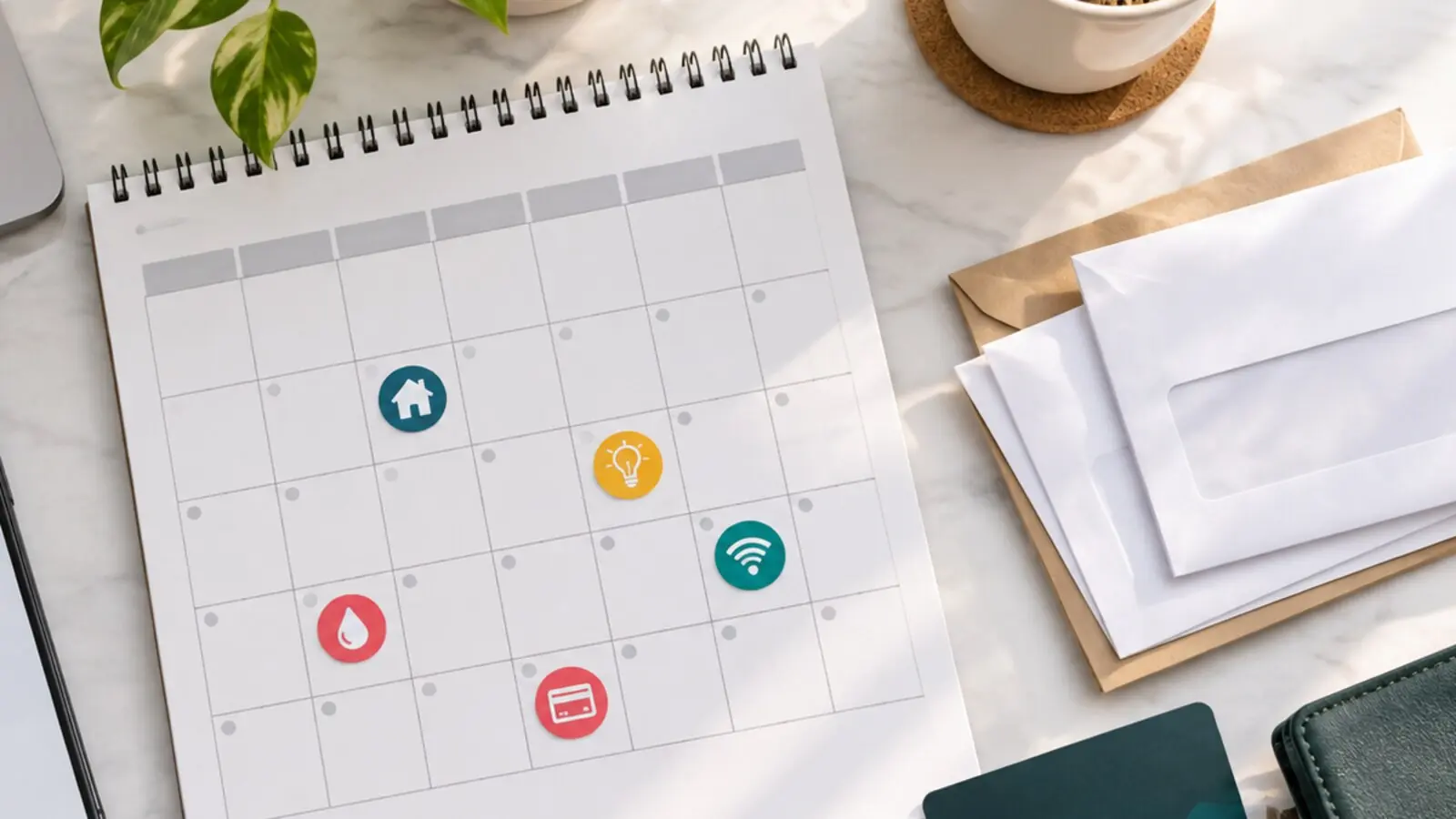
A bill calendar solves a different problem from a budget. A budget tells you where money should go. A bill calendar tells you when money must be ready.
This guide is for households, students, freelancers, shared homes, new workers, caregivers, and anyone who wants a clearer view of due dates, automatic payments, reminders, and low-cash weeks.
Quick Answer
A useful bill calendar should include every regular bill, its due date, the usual amount, the payment method, the account or card used, income dates, automatic-payment dates, reminder dates, subscription renewals, annual costs, and notes about variable bills. Review it weekly, update it when due dates or amounts change, and use it to spot expensive weeks before they arrive.
Start With The Bills You Already Know
Begin with the obvious bills before trying to build a perfect system. Gather recent bank statements, card statements, invoices, emails, app notifications, rent or mortgage records, school notices, insurance documents, and subscription receipts.
List every regular payment:
- Rent, mortgage, or housing fees.
- Electricity, gas, water, internet, phone, and waste collection.
- Insurance premiums.
- Loan, credit card, and buy now, pay later payments.
- School, childcare, or care expenses.
- Transport passes, parking, vehicle payments, fuel cards, or toll accounts.
- Medical, pharmacy, or health-plan payments.
- Streaming, software, cloud storage, gym, gaming, news, and membership subscriptions.
- Savings transfers and debt overpayments you treat as commitments.
Consumer.gov’s budgeting guidance starts with a similar first step: gather bills and pay information, then list bills, expenses, and income. A bill calendar takes that list and adds dates, payment routes, and reminders.
Do not worry yet about whether an expense is good or bad. The first job is visibility. A calendar cannot help with a payment you forgot to include.
Record Due Date, Amount, And Payment Method
For each bill, capture four details:
- The due date.
- The typical amount or expected range.
- Whether the bill is fixed or variable.
- How it is paid.
That last line matters more than many people expect. A bill paid by bank transfer, debit card, credit card, direct debit, standing order, check, mobile wallet, cash, or manual app payment may behave differently when the balance is low, the card expires, the bank holiday shifts timing, or the merchant changes the amount.
MoneyHelper explains that regular automatic payments can help people avoid late penalties, but it also advises reviewing them because they are easy to forget. That is the balance to aim for: automation where it reduces risk, visibility where automation might hide waste.
If a bill varies, write a realistic range. For example, an electricity bill might be listed as “usually 70-110” rather than a single number. A variable range is more useful than last month’s exact amount when you are planning ahead.
Add Income Dates, Not Just Bill Dates
A bill calendar should show when money comes in. Add salary dates, benefit dates, pension dates, expected freelance payments, commission windows, rent income, family support, or other regular deposits.
This is what turns the calendar into a cash-flow tool. If three bills are due on the 27th and income usually arrives on the 30th, the risk is not only the total cost. It is the gap.
For people with irregular income, use confirmed income only for the next few weeks and add likely income as tentative. GDU’s guide to budgeting for irregular income explains how a holding account and low-month plan can make uneven pay easier to manage. A bill calendar can sit beside that system by showing exactly when the holding account needs to cover expenses.
Use a simple mark for income dates. The format does not matter. Paper calendar, spreadsheet, budgeting app, task manager, bank app, or shared household calendar can all work if you actually look at it.
Separate Automatic, Manual, And Watch-List Payments
Not all bills need the same kind of attention. Divide them into three groups.
Automatic payments are scheduled to leave without you doing anything. These may include direct debits, card subscriptions, loan payments, insurance premiums, or savings transfers.
Manual payments require action. These may include rent transfers, school fees, utility top-ups, card payments, medical bills, local taxes, household contributions, or invoices that arrive by email.
Watch-list payments are technically automatic but still need checking. This group includes variable utility bills, credit card statements, subscriptions near renewal, free trials, insurance renewals, annual software plans, and any merchant that has changed price before.
Put all three groups on the calendar. Automatic does not mean invisible. Manual does not mean unreliable. Watch-list simply means the amount or usefulness deserves a second look before the money leaves.
Build Reminders Backward From The Due Date
The due date is not the only date that matters. A good calendar includes reminders before the due date.
Use two reminders for important bills:
- A review reminder five to seven days before the due date.
- A final reminder one or two days before the payment must be made.
The review reminder gives you time to check the amount, move money, question an unfamiliar charge, cancel an unwanted renewal, or contact the provider if you need help. The final reminder is for execution.
For card payments, loan payments, rent, school fees, and insurance, the review reminder is especially useful because late or failed payments can lead to fees, service interruptions, credit-reporting problems, or awkward household stress.
If a provider allows due-date changes, consider moving bills away from low-cash weeks. Do this carefully. Confirm the change in writing or inside the account, check whether the next bill will be prorated, and leave both the old and new dates on the calendar until the first changed payment clears.
Do Not Let Subscriptions Hide In The Background
Subscriptions are small until they stack up. Add them to the calendar even when they feel minor.
For each subscription, record:
- Renewal date.
- Monthly or annual cost.
- Payment card or account.
- Account email used to sign up.
- Cancellation deadline, if there is one.
- Whether the service is still used.
This is also where a bill calendar connects with account hygiene. GDU’s guide to cleaning up cloud storage covers one common subscription trap: paying for storage without checking old backups, duplicates, and plan size. The same logic applies to streaming, apps, software, premium newsletters, delivery memberships, and fitness services.
Annual renewals deserve special treatment. Put them on the calendar one month before they renew, not only on renewal day. That gives you time to compare plans, cancel, downgrade, or budget for the full amount.
Make A Low-Balance Rule
A calendar is most useful when it triggers decisions before a problem happens. Create a simple low-balance rule for the week ahead.
For example:
- If the account will fall below the rent amount, pause nonessential spending.
- If two large payments land in the same week, move grocery shopping, fuel, or discretionary spending earlier or later where practical.
- If a bill cannot be paid on time, contact the provider before the due date.
- If an automatic payment will overdraw the account, decide whether to move money, change the payment method, or speak with the company.
MoneyHelper notes that failed payments can lead to unpaid transaction fees, overdraft interest, and penalties from the company owed. The point is not to panic over every low-balance week. The point is to notice early enough to choose the least harmful option.
If overdraft fees or account rules are part of the problem, review your bank account setup. GDU’s guide to choosing a checking account explains how low-balance alerts, fee rules, and automatic payment behavior can affect ordinary bill management.
Use A Shared Version For Shared Bills
Shared households need extra clarity. Roommates, partners, adult children, relatives, and housemates may all assume someone else has paid the same bill.
For shared bills, record:
- Who is responsible for paying the provider.
- Who reimburses whom.
- The amount each person owes.
- The date contributions are due.
- Where proof of payment is stored.
Keep this calm and practical. The goal is not surveillance. It is fewer surprises. A shared calendar can also help households plan for annual insurance, school costs, repairs, holiday travel, or family support commitments.
If privacy matters, keep the full budget separate and share only the bill dates, amounts owed, and contribution deadlines relevant to the household.
Review Weekly, Reconcile Monthly
A bill calendar should be easy to maintain. If it takes too much effort, it will be abandoned.
Once a week, check:
- What is due before the next income date?
- Are automatic payments still linked to the right account or card?
- Did any bill arrive higher than expected?
- Are any free trials or annual renewals approaching?
- Is there enough money in the payment account?
Once a month, compare the calendar with bank and card statements. The Financial Consumer Agency of Canada advises people to compare actual spending with the budget and adjust when real spending often differs from the plan. The same habit improves a bill calendar. If a forgotten subscription appears, add it. If a bill amount has changed, update the range. If an account was closed or a card replaced, check every automatic payment attached to it.
A Simple Bill Calendar Template
Use this starter structure:
| Bill | Due date | Amount | Fixed or variable | Payment method | Account/card | Reminder date | Notes |
|---|---|---|---|---|---|---|---|
| Rent or housing | 1st | Fixed | Transfer | 25th | Confirm before payday | ||
| Electricity | 12th | Variable | Automatic | 5th | Check bill amount | ||
| Phone | 18th | Fixed | Card | 11th | Update if card changes | ||
| Credit card | 24th | Variable | Manual or automatic | 17th | Pay more than minimum if planned | ||
| Subscription review | 28th | Variable | Card | 21st | Cancel unused services |
You can build this in a spreadsheet, notebook, calendar app, or task manager. The best version is the one you will actually open.
Common Mistakes To Avoid
The first mistake is listing only big bills. Small subscriptions, school extras, delivery memberships, bank fees, app renewals, and installment payments can create the week that breaks the plan.
The second mistake is trusting automatic payments without checking the account balance. Automation prevents forgetfulness, but it does not create money.
The third mistake is forgetting annual and semiannual payments. Insurance, domain names, professional memberships, school costs, taxes, licenses, and software renewals can feel sudden when they were predictable all along.
The fourth mistake is using too many systems. If due dates are split between email, bank apps, paper notices, family messages, and memory, something will eventually slip. Use one main calendar and let other tools feed into it.
The fifth mistake is treating a late bill as a private failure instead of a solvable problem. If you know a payment will be late, contact the provider early, ask about options, and keep a record of the conversation.
The Bottom Line
A bill calendar is not a fancy budget. It is a timing map. It shows what is due, when money arrives, which payments are automatic, which ones need action, and where the month may become tight.
Start with one month of bills. Add income dates. Mark reminders. Review weekly. After two or three cycles, the calendar will become more accurate, and the month will feel less like a series of surprises.